Start building
Everything you need to get your business Fitr. Your 14-day free trial gives you full access to the complete platform.
How the trial works
14 days free
Build your first program, onboard your clients, and get your systems set up.
No card needed
Start without entering any payment details. Add them whenever you're ready during your trial.
In your corner
In-app chat, email, or a free optimisation call with the Fitr team. We'll help you build your business right.
how to get fitr
Your onboarding is built around three steps. Here's what to do first.
Fitr apps
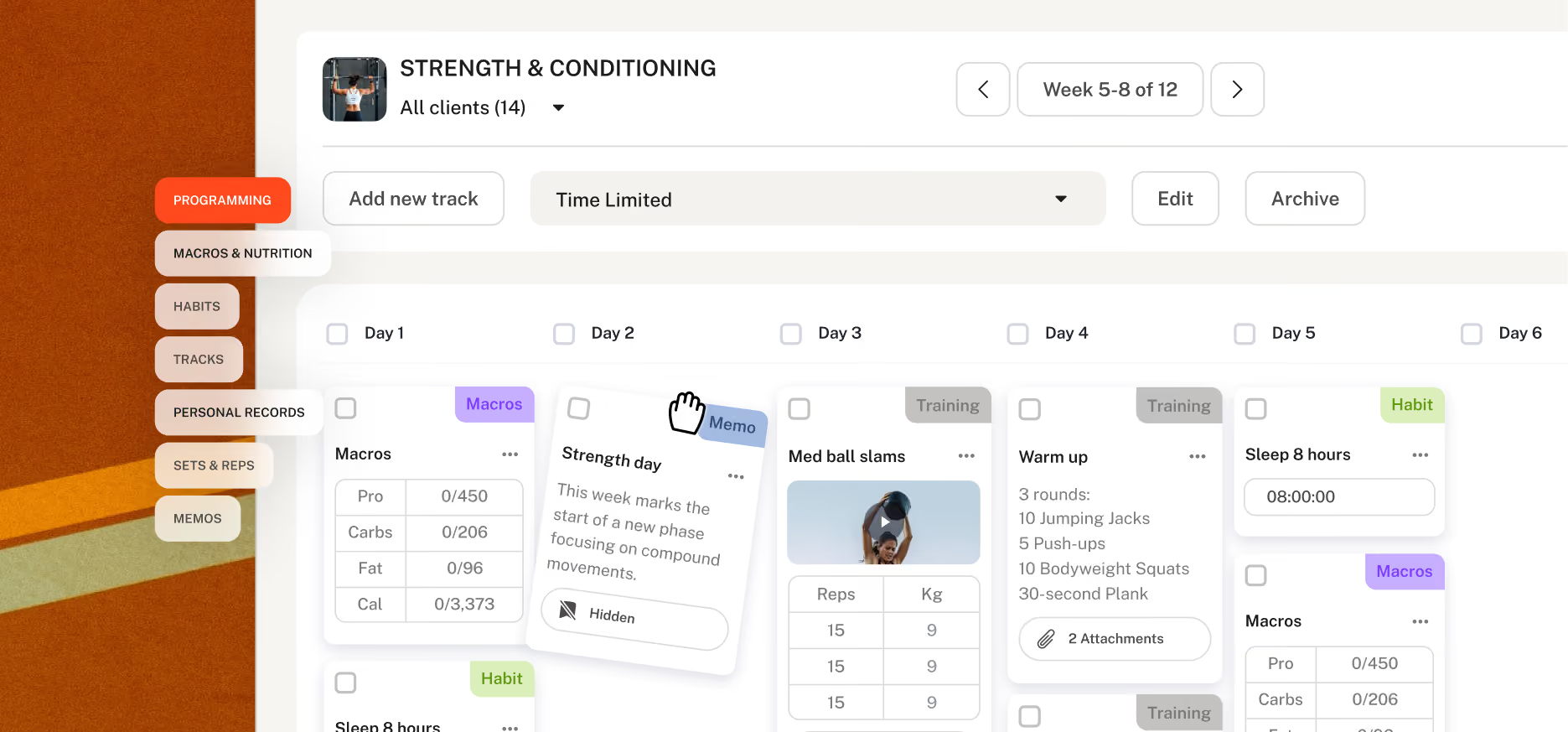
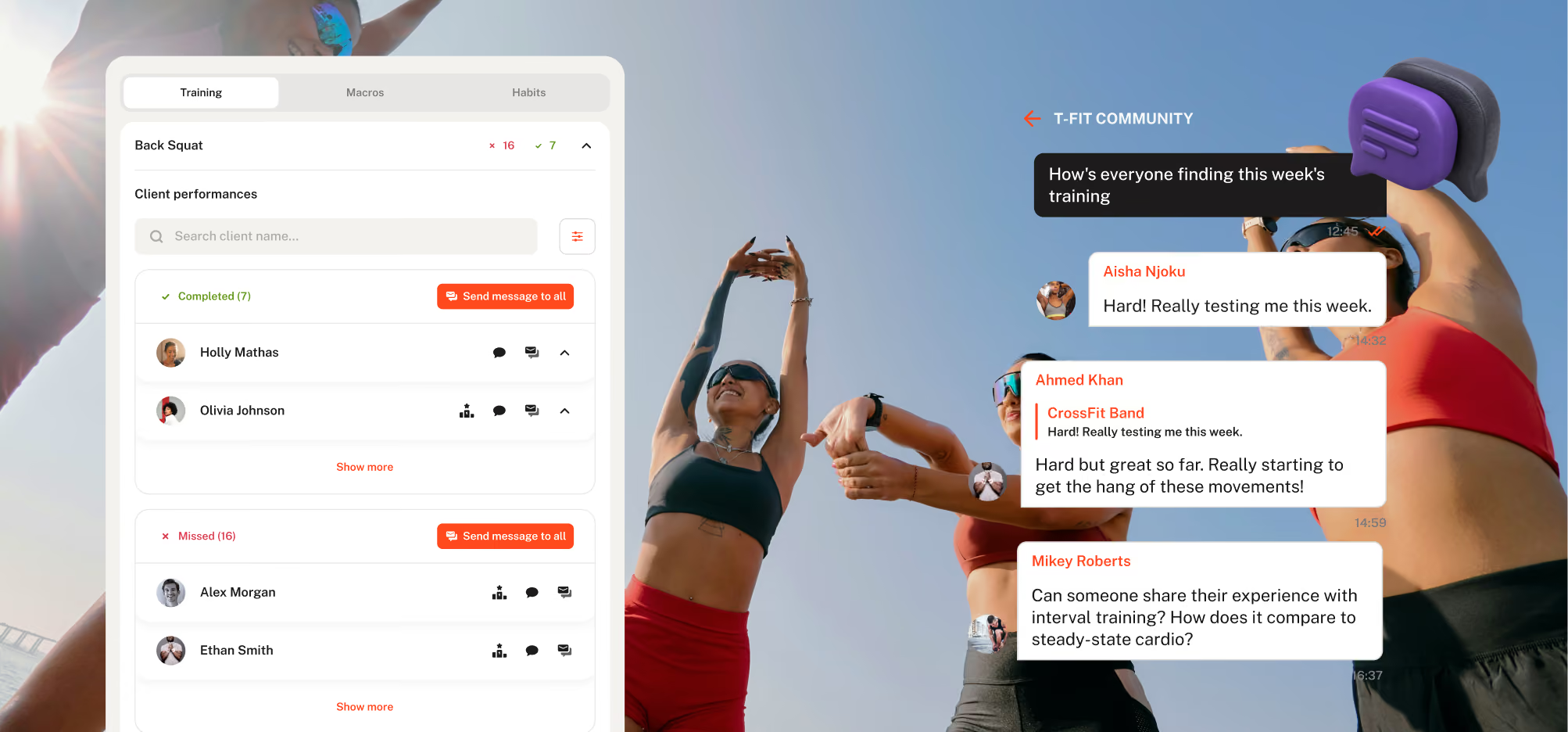
Fitr Coach
Build your programs on desktop. Coach from the app. Monitor progress, check in with your communities, and manage every client relationship from anywhere.


Fitr Client
Where your clients experience your coaching. They view their programs, tick off sessions, log progress, track macros and habits, all from their phone.


.svg)

“Fitr gives us peace of mind to keep pushing and growing, knowing they will support that growth. It's been a key tool in delivering a high-level experience at scale.”

“We have seen our revenue grow by 40%. We can easily create programs that have allowed us to generate an entire stream of income.”
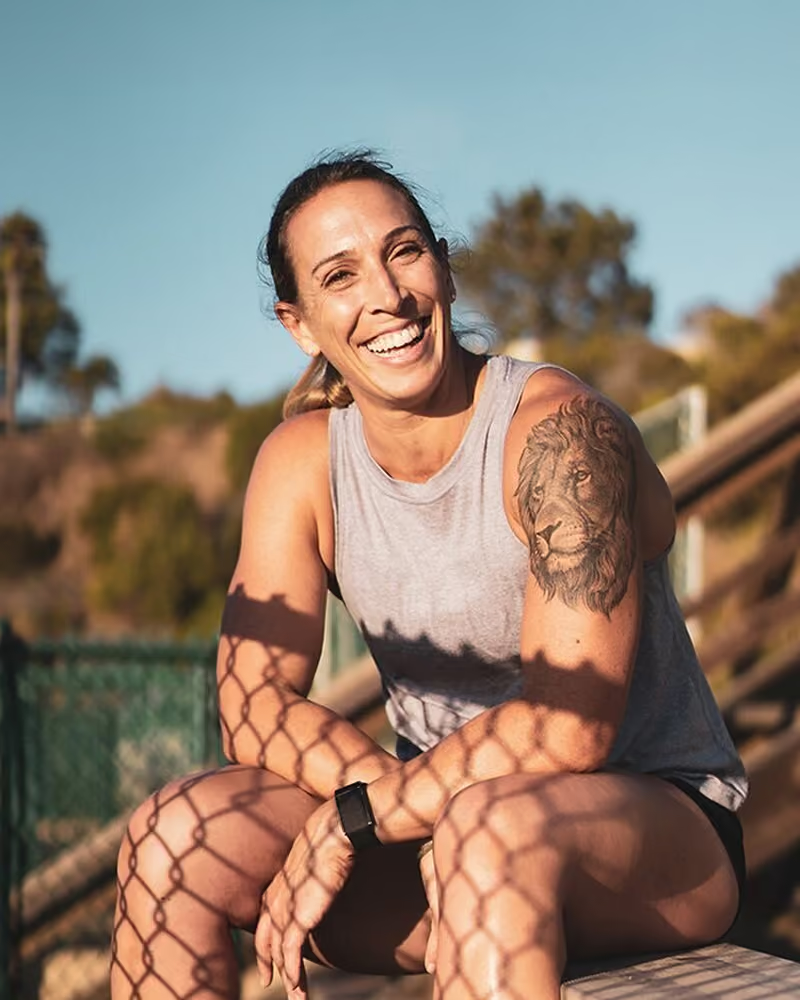
“Fitr has allowed me to grow my business with ease. I couldn’t envisage using anything other than Fitr.”

“Fitr's level of service has been exceptional and their platform is the best on the market.”
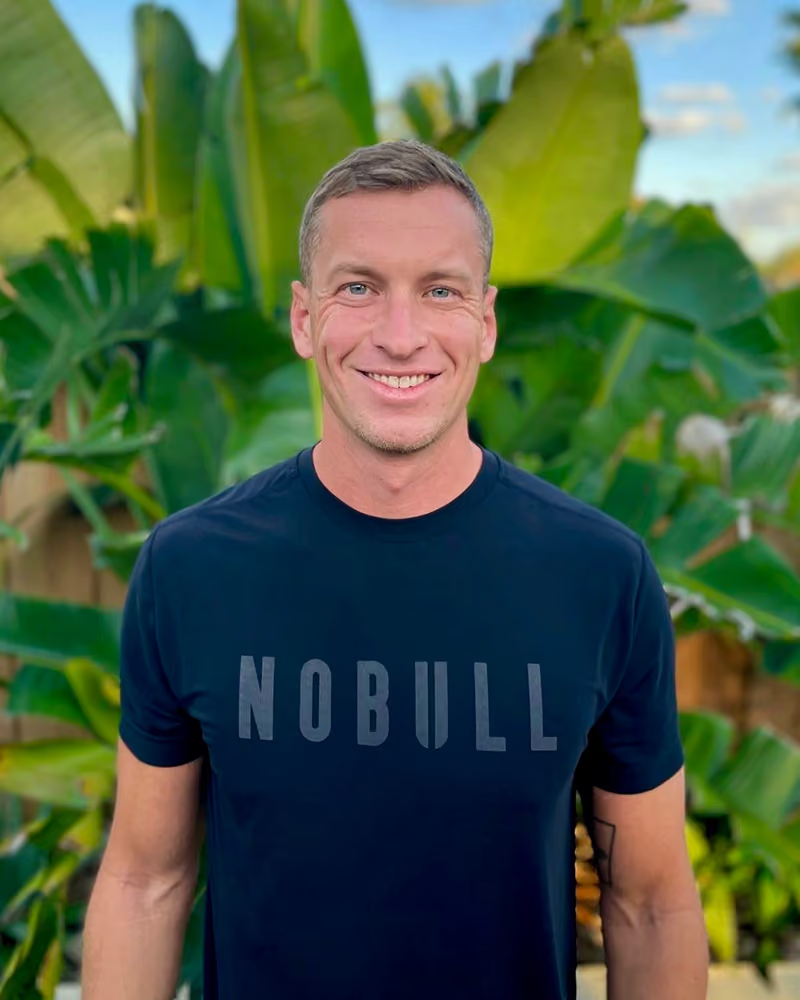
“Fitr has increased my clinic’s revenue, and all my clients find the app incredibly easy to use.”
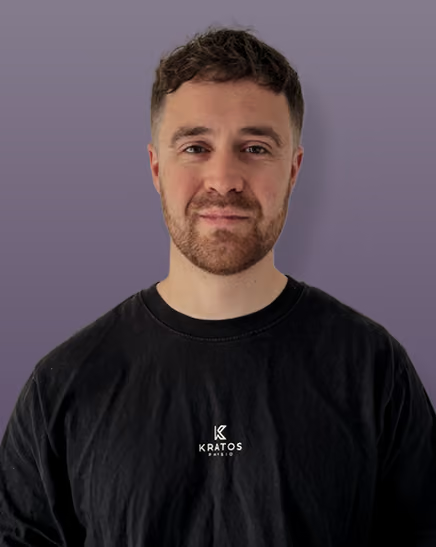
"Having the Fitr platform looking after all payments allows me to just coach and not worry about any client subscriptions getting missed. This saves me so much time each month so I can focus on my training and supporting my clients."
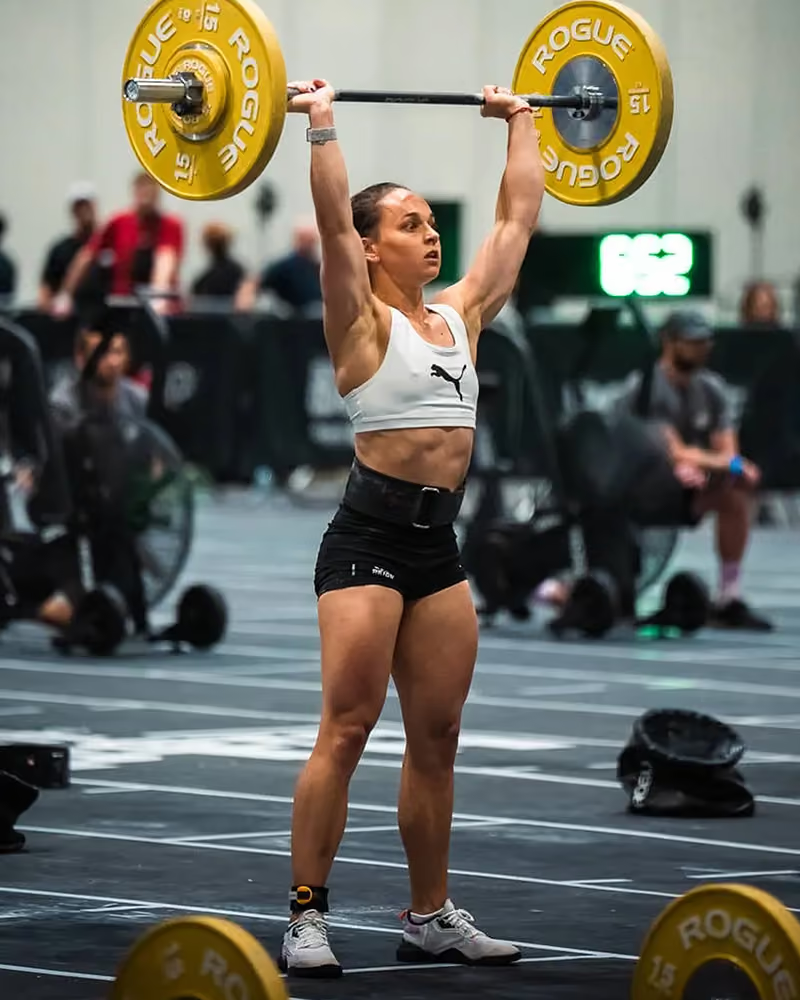
“The Ferrari of programming software. Fitr has been a game changer, enabling our functional fitness program - The Ultimate You to thrive.”

"Switching to Fitr has been a great move for Grown Strong. The platform provides a great user experience and makes delivering our programming much better than before. On top of that, it's simple, intuitive, and easy to use."
"I'd absolutely recommend Fitr whether it be to online coaches looking to grow and build their own business and personal brand, or to gym owners who are looking to help better serve their members and community."
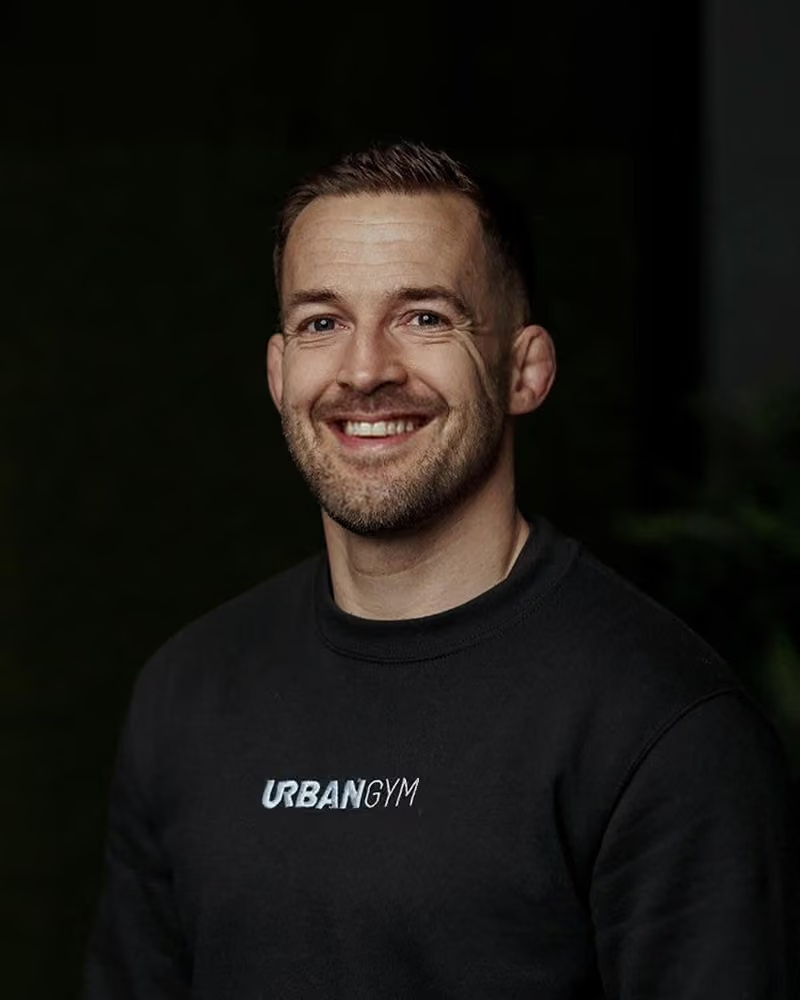
"They've allowed us to program for our beneficiaries and develop a wider network of support, by reaching those who aren't able to be with us regularly."
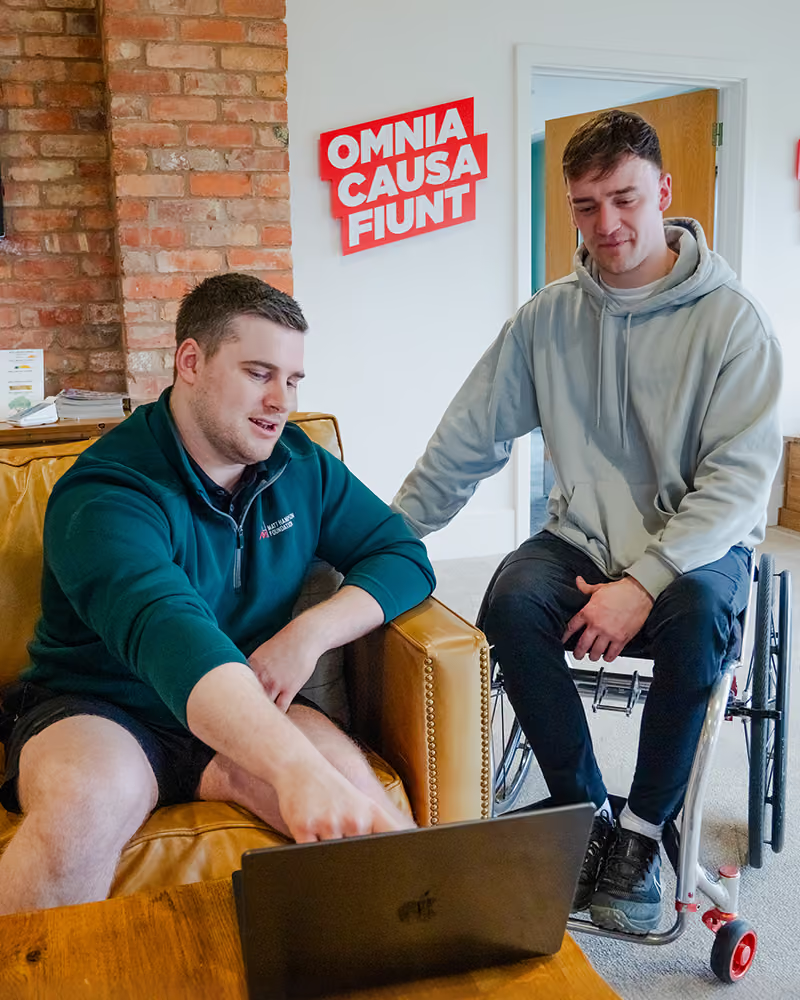
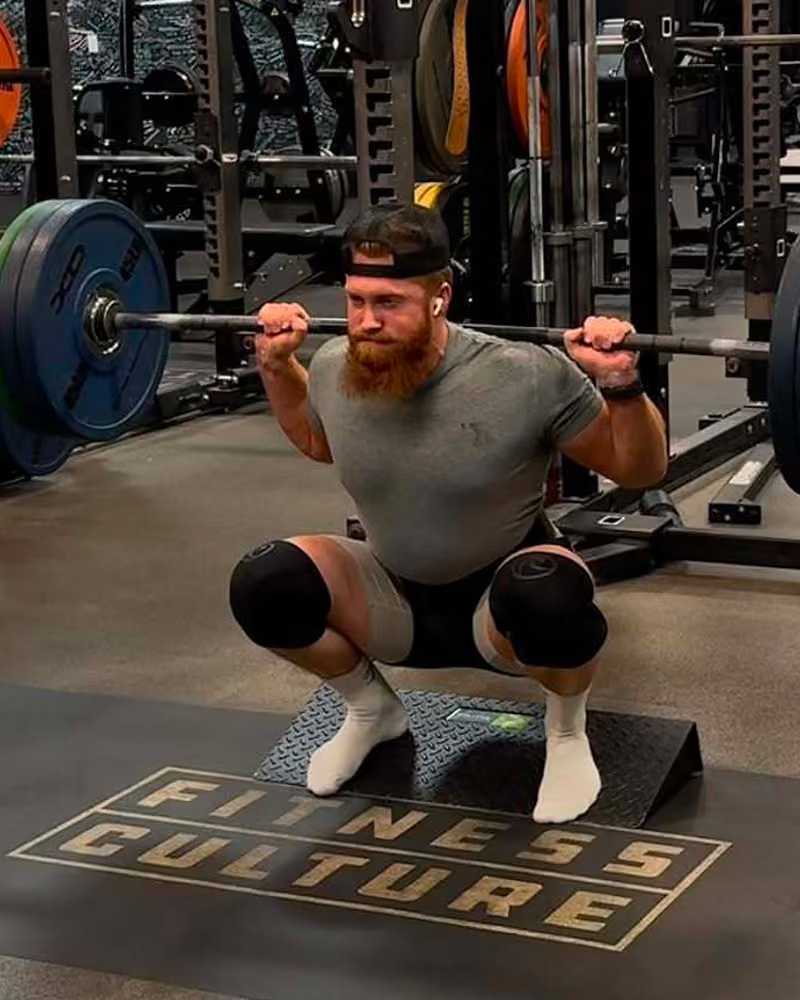
"Fitr has been nothing short of perfect. Reliable platform and app. Easy to use and logical software for me to deliver my coaching and training programs."
Frequently asked questions
Full access to everything on Fitr for 14 days. Every feature, every program type, every tool in the platform.
No. You can start your trial without entering any payment information. Add your payment information at any point during your trial to keep things going.
When your 14 days are up, you will be asked to add your payment details so you can continue getting Fitr and building your business.
Our team is here throughout your trial. Reach us via in-app chat, email, or book a free call and we'll walk through the platform with you. We're here to make sure your trial counts.
Yes. We offer a full migration service to get everything moved across. Find out more by reaching out to support@fitr.training.