White Pencil Icon

FITR APP
Customisation

Add custom branding in a few simple steps to harness the power of Fitr using your own unique identity.
Available on the PRO plan

No credit card required, cancel anytime.

White Pencil Icon

Your brand.
Our elite coaching software.

Our off-the-shelf solution allows you to easily customise the FITR web platform and native iOS and Android apps with your brand colours and logo.

Whether you’re just starting out, or an established brand with a large client-base, our Customisation solution is the most accessible on the market to make your business, look the business.

customisation Options

Your logo, front and centre.

Web Customisation

Header logo

Upload your logo to display it in the header section of the client web portal and program checkout screens.

App Customisation

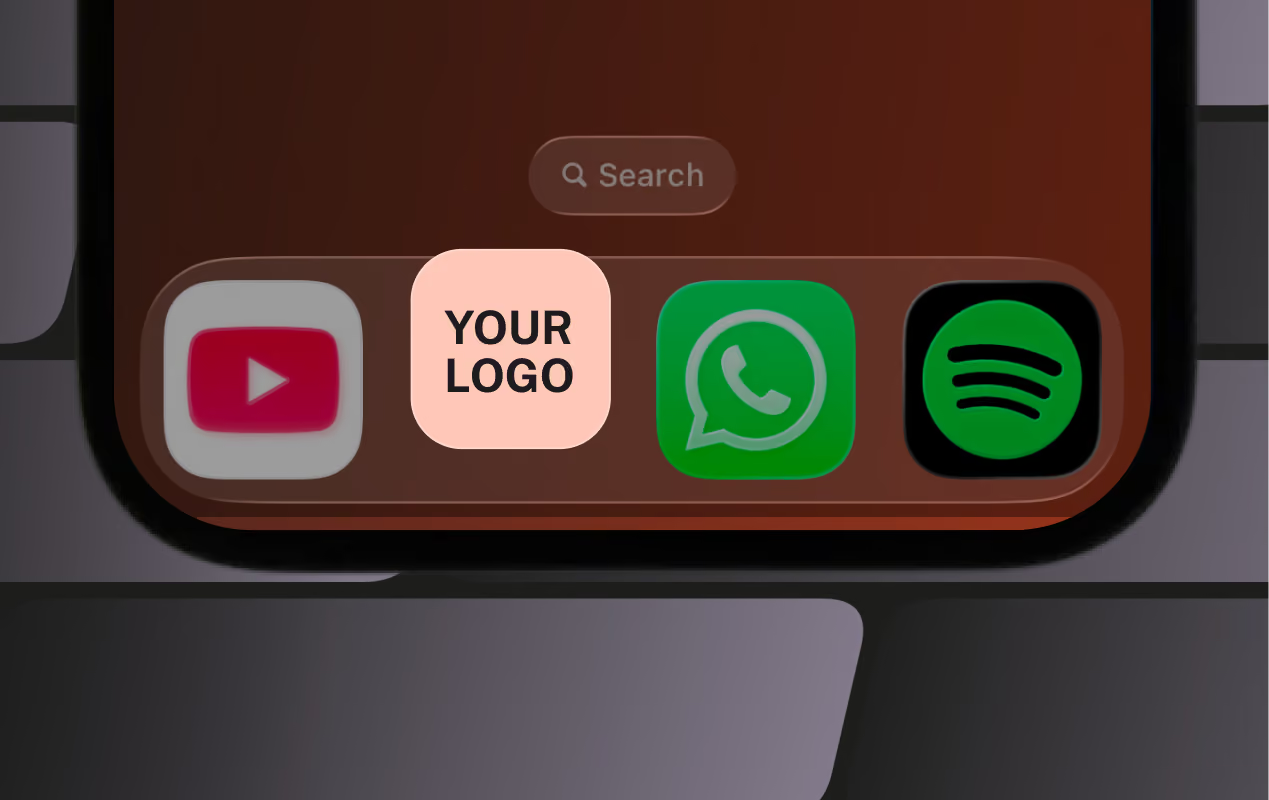
App icon

Upload your logo to allow your client to select it as the app icon on their home screen.

White Pencil Icon

More colour control than any other platform

Instantly Change colours yourself, whenever you want.
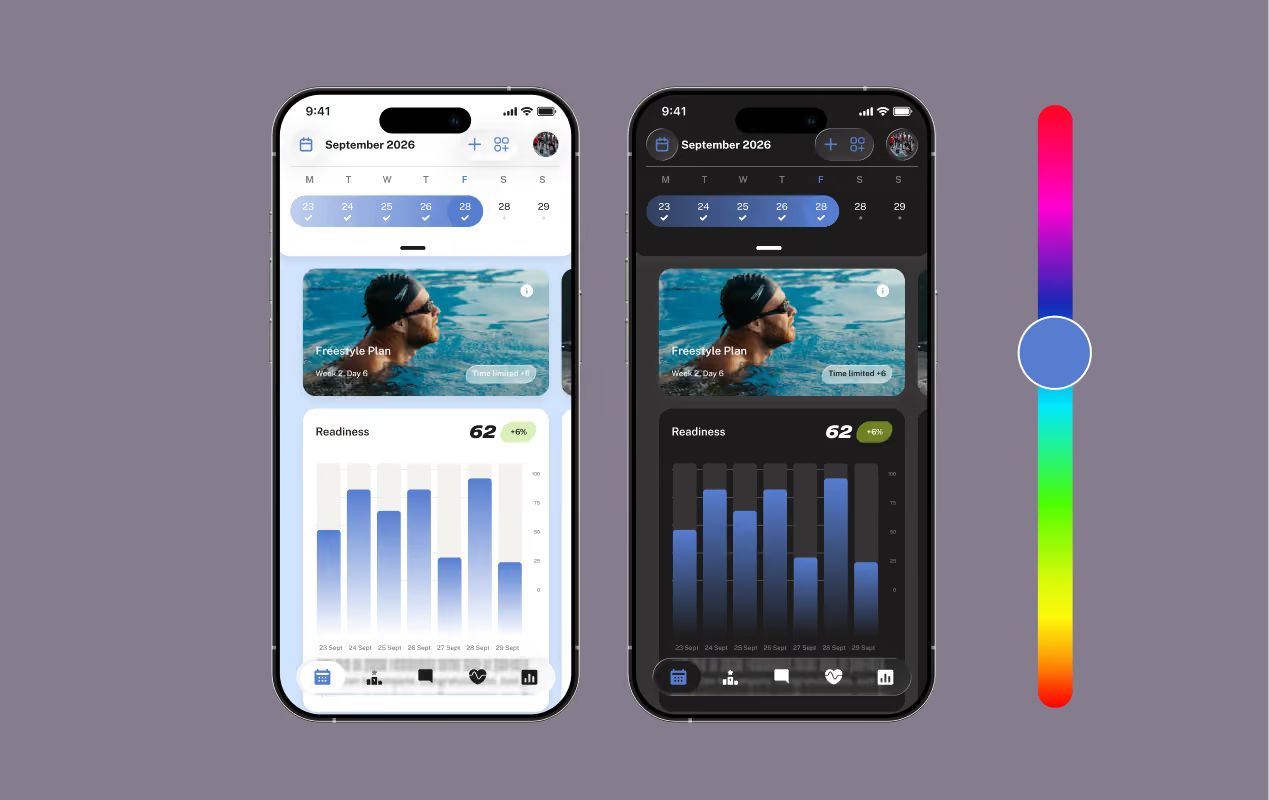
Colour wheel
Web Customisation

Web colour theme

Set primary, secondary and system text colours to suit your brand. Select from a colour wheel or perfectly match your brand with RGBA/HEX codes and more.

App Customisation

App colour theme

Control which colours are shown in dark and light mode when your clients use the app. Select custom colours for primary and secondary areas, backgrounds, and primary and secondary text.

White Pencil Icon

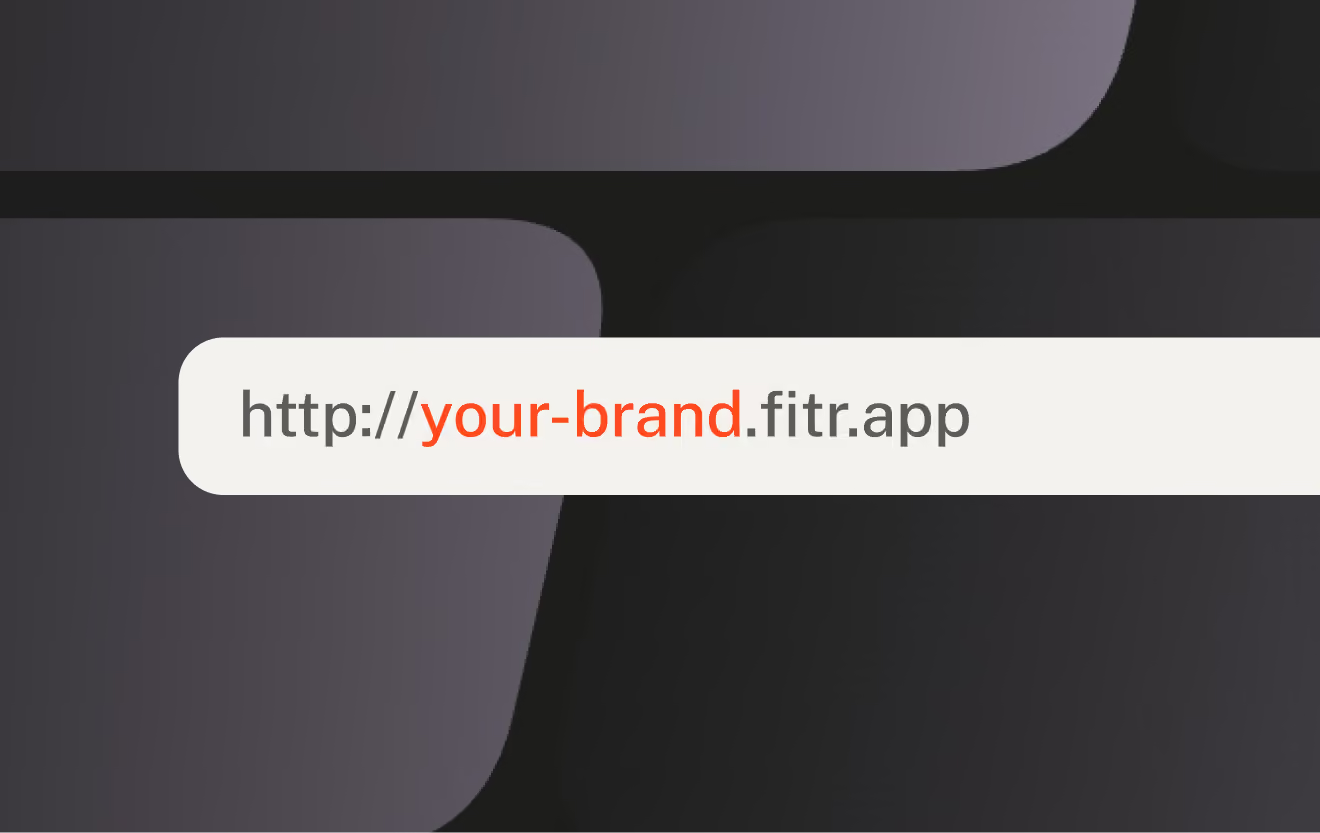
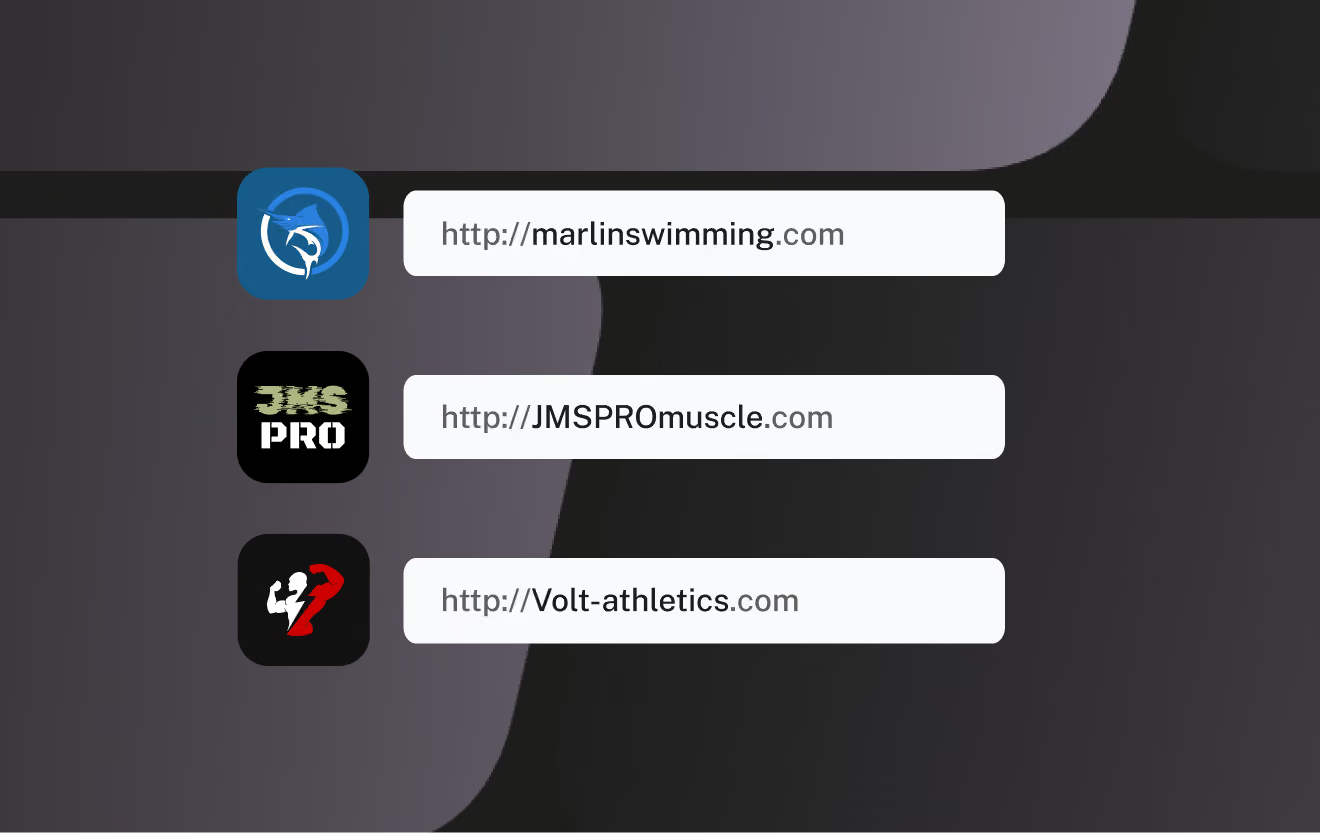
Custom branded URL

Create a custom web address and brand your clients' experience at every step of the way. From their very first click to purchasing or renewing their subscription.

https://your-brand.fitr.training

Bypass the Fitr storefront and Use your own purchase buttons

Generate purchase links to use anywhere

Customisation gives you the option to generate direct purchase links, allowing you to bypass the FITR Storefront and Program pages. Use these links to direct your clients straight to your branded checkout screen. Perfect if you already have a website or use other tools to promote your programming.

Sign up today for free

Try our PRO features including Customisation.

Start your free trial

Customisation FAQS

What is web customisation?

You can change the look and feel of your Storefront, Program pages, and transactional pages your clients visit. They'll visit these pages on the web platform when buying programs and managing their account and billing.

What is app customisation?

This is the native Apple iOS and Android apps your clients download to follow their training. They still need to download the FITR Client app, but once logged into your program they will see your custom branding.

Will I be able to try Customisation for free before purchasing?

Yes, Customisation is included as part of our free trial to PRO features. If, at the end of your trial you choose not to upgrade, any customisations you've made will revert back to FITR branding.

What's the difference between Customisation and Custom App?

Custom App puts your brand on the App Store & Google Play with your own app. Customisation allows you to add your branding to the FITR app.

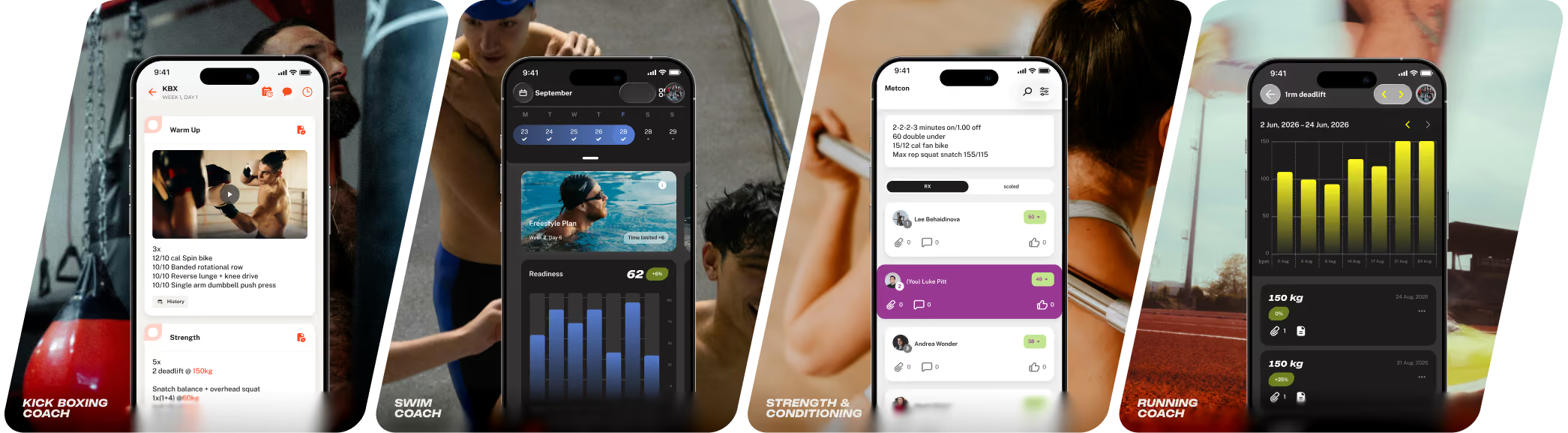
SEE HOW OTHER personal trainers ARE USING Customisation

Peak performance
functional flex
elite edge
hybrid performance
Peak performance
Now available

Looking for a fully Custom App?

Create the ultimate branded experience with your very own app on the App Store and Google Play.

  • Launch your own branded app in both stores
  • Clients download your app – not the FITR Client App
  • Unlock additional in-app customisation options
  • Includes new feature releases and ongoing support
Learn more

Customisation vs Custom App:
What’s The difference?

With FITR you have two powerful branding options for your coaching business. Compare the options below.
Feature
Customisation
Custom App
Your own app store listing
Fitr help icon
Customisation uses the FITR developer account with FITR branding.
Custom App requires your own developer account on Apple and Google.
Removal of FITR branding
Fitr help icon
FITR branding remains visible in the app.
Custom Apps have no visible mention of FITR.
Exclusive to your brand
Fitr help icon
If clients follow other coaches, they’ll see your programs alongside theirs and can switch icons or revert to FITR’s.
Clients use a standalone app that’s 100% yours—branding, icon, colours, and programs. No other coaches, just your brand.
Change icons & program cards
Fitr help icon
Customise FITR’s default interface with your brand colours.
Custom App gives you advanced styling options for app icons, navigation, and program cards.
Custom log in & splash screens
Fitr help icon
Customisation uses FITR's defaults.
Custom App lets you set your app splash screen and customise client log in.
Custom app icon
Fitr help icon
Optional
Fully branded
Upload your logo for clients to select as the app icon on their home screen.
Custom App shows your icon by default in the app store and on your clients' device home screen.
Branded colours & logo
Fitr help icon
Both options let you add your logo and customise primary and secondary areas, backgrounds and text colours.
Add exercise videos & media
Fitr help icon
Both options support your own exercise videos, welcome messages and media
Branded checkout experience
Fitr help icon
Both options let you control where you promote and sell your programs. Add your logo, brand colours and a custom url.
Maintenance & updates included
Fitr help icon
FITR handles all app updates for both options. For Custom App, updates are submitted via your dev accounts.

Customisation keeps you inside the FITR Client App with your branding applied. Custom App gives you a fully standalone app, launched under your own developer accounts.

Select a colour to change this page.

Scroll through for more options. Don't worry, you'll be able to select any colour you like in the FITR app using RGBA/HEX codes.

Try FITR risk-free today.

Deliver a more professional coaching experience in minutes.

  • No credit card required
  • PRO features included for 30 days
  • Choose a plan when you're ready
WL Text Color
WL Text Color
WL Text Color
WL Text Color
WL Text Color
WL Text Color
WL Text Color
WL Text Color
WL Text Color
WL Text Color